


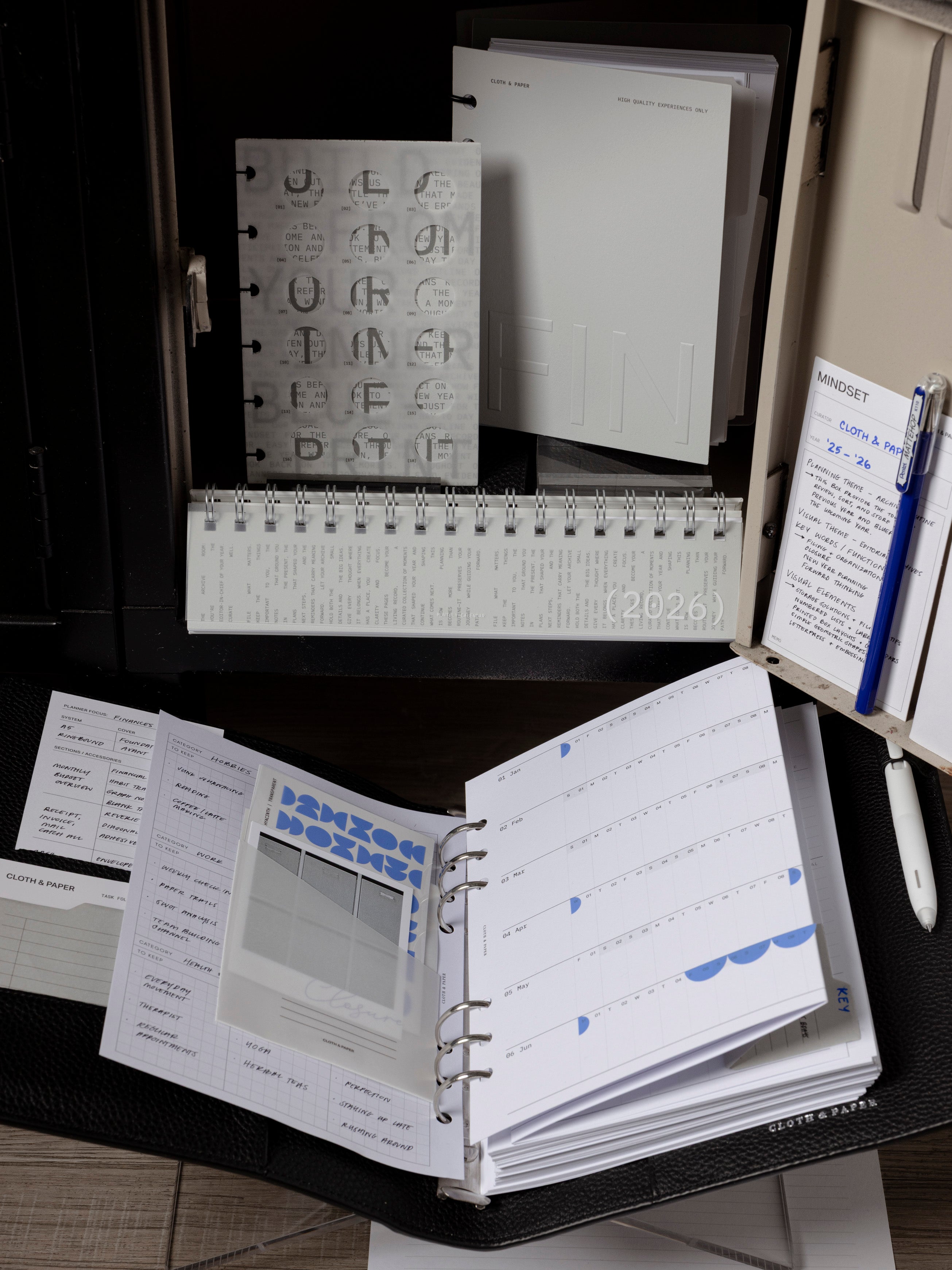
欢乐时光 | 2020 年 9 月 25 日 |在页面标志上打印并在规划器中使用它们
大家的欢乐时光到了!带上您选择的饮品和您的计划表,让我们开始吧。
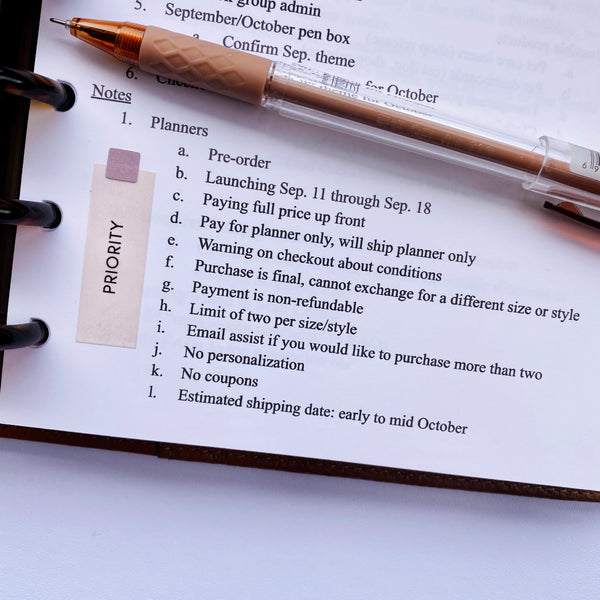
我们使用令人兴奋的可打印包含了页面标志的一些常见用途!查看下面我们使用页面标志的一些方法。我们还在此视频中演示了如何在页面标志上打印。
在月历上标记日期
我们的方形透明页面旗帜非常适合标记月历上的重要日子。每月的某一天有账单到期吗?使用打印页面标志可以让您轻松挑选出正确的日期,同时仍然能够查看当天的任何其他事件或任务。当您完成当前的每月跨期后,只需将页面标记移至下个月即可。对于较小的尺寸,只需将正方形剪下来以适合您的记事本尺寸。

每月除数
每月分隔线可以轻松翻转到您需要查看的任何月份,但它们也会占用一些空间。对于那些希望分隔月份而不增加太多体积的人来说,使用方形页面标志作为每月分隔符可能适合您。您可以使用交替颜色来进一步区分月份,或为每个季节使用不同的颜色。

重复任务和事件
通过我们的可打印文件,可以更轻松地使用页面标记来执行重复任务。打印您的重复任务和常见任务,然后轻松地将它们从一个跨页转移到另一个跨页。我们的页面标志的尺寸非常适合留出时间来完成任务或活动。

标题和标签
混合并匹配颜色和我们的可打印内容,以创建易于使用的标题和标签。轻松突出显示您的待办事项列表,标记文件和书籍中的重要位置,或者仅将它们用于功能装饰。这一切都取决于你。


7 条评论
Love these suggestions, the free download, and the video! There are so many ways to use your products and I learn new ideas from watching videos and looking at the blog.
Donna Smith
Thank you so much for these templates. This has assisted me a great deal and has given me confidence to create more.
Markla Hall
Thank you for making this easy for those of us that have already gone through a ream of paper trying to do it ourselves! :D
karen
This is an update to my previous comment. I want to let you know I was able to successfully download the Happy Hour free page flag template on my mac. I’m so excited to try your new concept — this app! Thank you — Have a great weekend to Ashley and all the staff!
Susan Aoki
These are perfect!!!!!
Thank you for giving these to us.
Jowana
Thank you!!
ShunShyne
Thank you! Template will be in good use for sure x
Janette Metso (Le Breux)
发表评论
此站点受 hCaptcha 保护,并且 hCaptcha 隐私政策和服务条款适用。